
Test Click-to-call
After you create the Click-to-call SIP connection, you can place a test call from the portal without first building anything into your web page.
To test a Click-to-call connection:
-
In the Navigation pane, expand Voice channels, and select SIP connections.
-
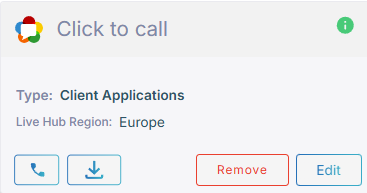
On the connection's card, click the call icon
 .
.
-
Enter the call details.
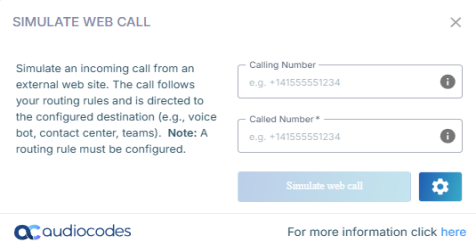
The 'Username' and 'Password' fields appear only if the connection uses 'Credentials'. With 'Authentication code', Live Hub obtains the code itself.
-
Click Simulate web call.